
Rockstar has confirmed that GTA VI preloading starts on 10 November, with different opening times on PS5 and Xbox Series X|S. Its new support guidance asks players to have up to 212GB available, depending on the device. For South African players, that makes next week the time to sort out storage and download plans, ahead of the game’s 19 November release.
When preloading opens in South Africa
The Rockstar preload FAQ, updated on 3 November, gives PS5 players a local-midnight start on 10 November. In South Africa, that is 00:00 SAST on Tuesday. Xbox Series X|S opens globally at 00:00 GMT, which converts to 02:00 SAST on the same day.
Those are download opening times, not early access. Rockstar’s announcement still gives 19 November as the launch date. Getting the files onto your console in advance is preparation for release, not permission to play on the 10th.
212GB is the available-space requirement
The official wording matters: up to 212GB of available space, depending on your device. It is not a promise that every player will download exactly 212GB, nor a final measurement of every console’s installation. Check the actual prompt when your preload becomes available.
This moves the story beyond the earlier third-party 210GB report we covered. That article labelled the number as unconfirmed by Rockstar at the time. The new FAQ now gives players an official figure to plan around.

Check your console before download day
On PS5, Sony’s South African support guide says to open Game Library, select your preordered game, then select its countdown timer. A selected checkbox beside the content means automatic downloading is enabled. Check the selection rather than assuming a preorder will take care of everything.
Also check Settings → Storage. Sony allows PS5 games to be stored on USB extended storage, but they must be moved back to console storage or a compatible M.2 SSD before playing. Moving an older game can therefore help free space without immediately downloading it again later. Be careful to distinguish game files from saved progress.
Rockstar says automatic preloading needs the PS5 powered on or in Rest Mode with auto-downloads enabled. On Xbox, automatic updates need to be enabled, with the console on or in Sleep mode. Follow the platform links in the FAQ if your console’s settings are unclear.
Plan around your connection, not launch-day pressure
If you use a capped connection, check your remaining allowance before enabling a large automatic download. If your household shares a slower line, plan a download window that leaves room for work, streaming and other players. The nine-day gap between preload opening and release gives you some flexibility.
We have not tested a final installation or measured download traffic. There is no reason to treat the available-space figure as an exact data bill, or buy a new drive before checking the space you already have.
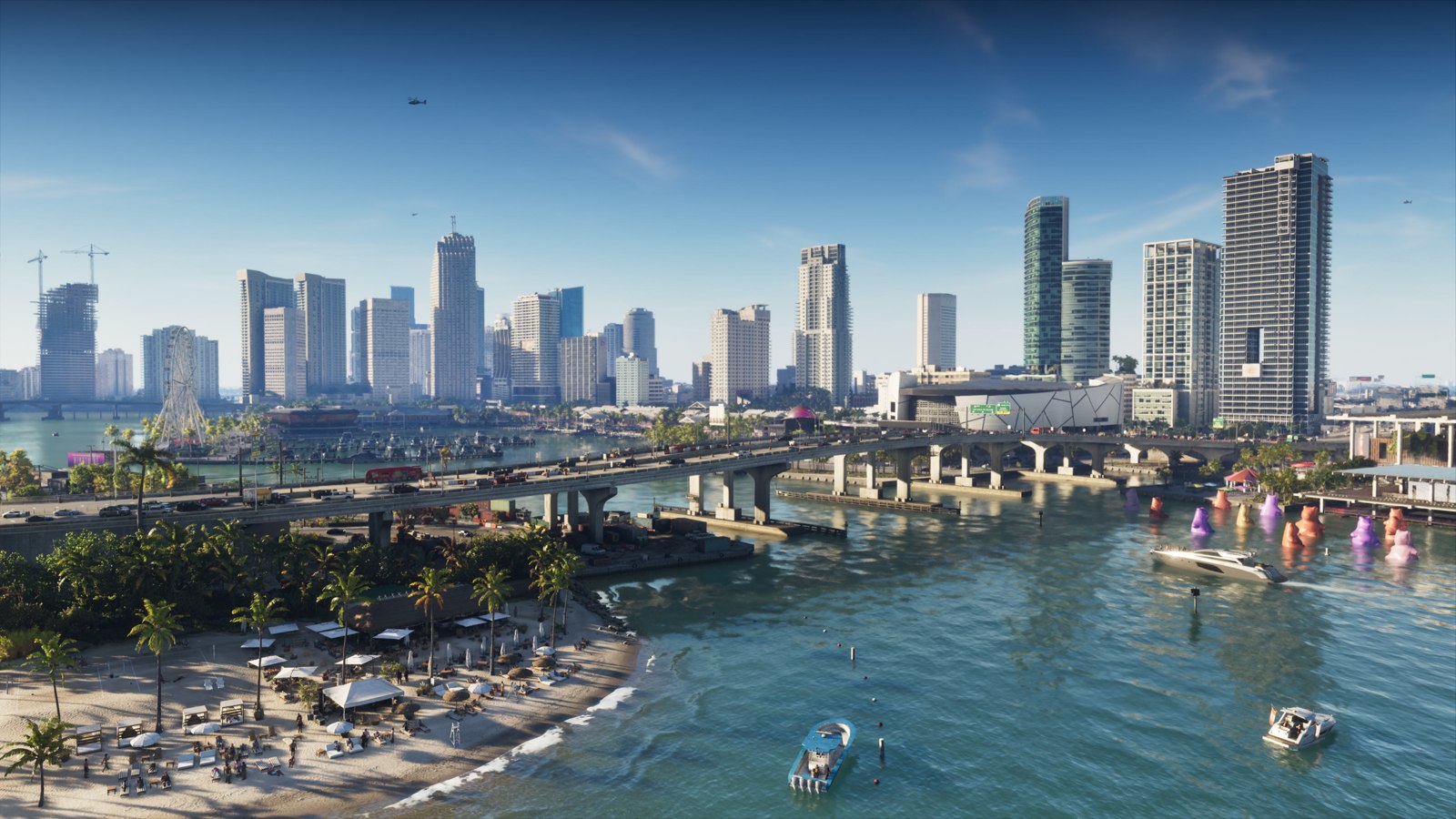
Featured image: official Vice City imagery from Rockstar’s preload announcement. © Rockstar Games. Source checks: 4 November 2026.


Leave a Reply